SonicScore

The Official Sound Bath Notation Software

Write out your singing bowl sequences in SonicScore notation and print them for your next session

macOS 15.1 or later · Apple silicon and Intel

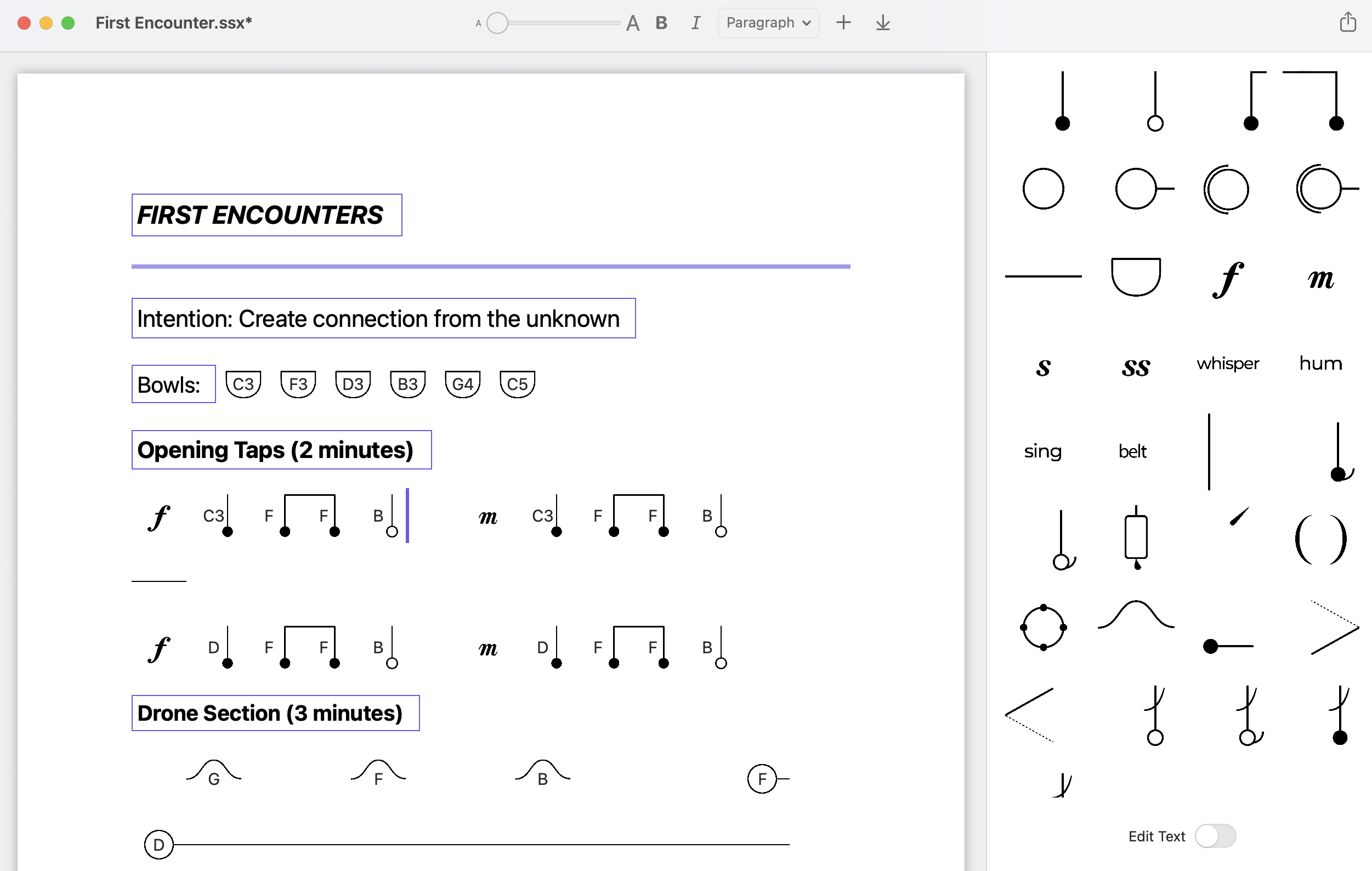
The SonicScore Editor window with a singing bowl score on the page and the symbol palette on the right

Built on the SonicScore™ notation system by Monique Mead, professional violinist, sound practitioner, and teacher

Already in use in studios, stages, and the classroom

Sound Practitioner Training

Learning to Play

Students in Monique's Practitioner Certification learn to write their sound baths down in SonicScore notation so other practitioners can play them

About the Certification →

Mega Surround Sound Bath

30+ players, over 60 singing bowls

At Heinz Memorial Chapel in Pittsburgh, more than 30 musicians and sound practitioners play from SonicScore notation alongside violin, harp and flute

See upcoming events →

What's in the editor

The full symbol palette

Every SonicScore symbol is in a palette beside the page. Click one and it goes in at the cursor

  • Taps, drones, re-drones, waves, pulses and see-saws
  • Dynamics, droning levels, pauses, rests and dividers
  • Name a bowl's pitch by typing its letter
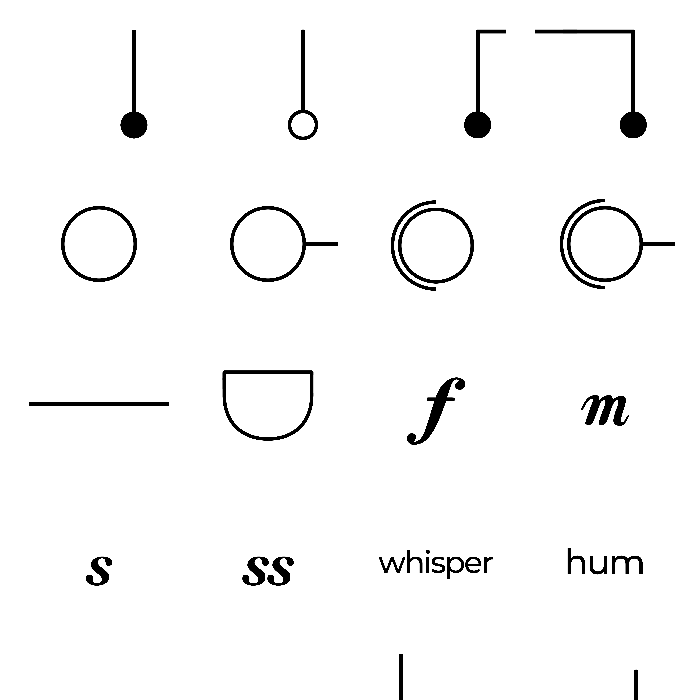
Placing symbols on the page from the SonicScore palette

Custom symbols and page styles

If the standard set is missing something you play, import your own symbol and use it like any other

  • Import PNG or JPEG symbols into the palette
  • Arrange symbols, text and sections however your sequence flows
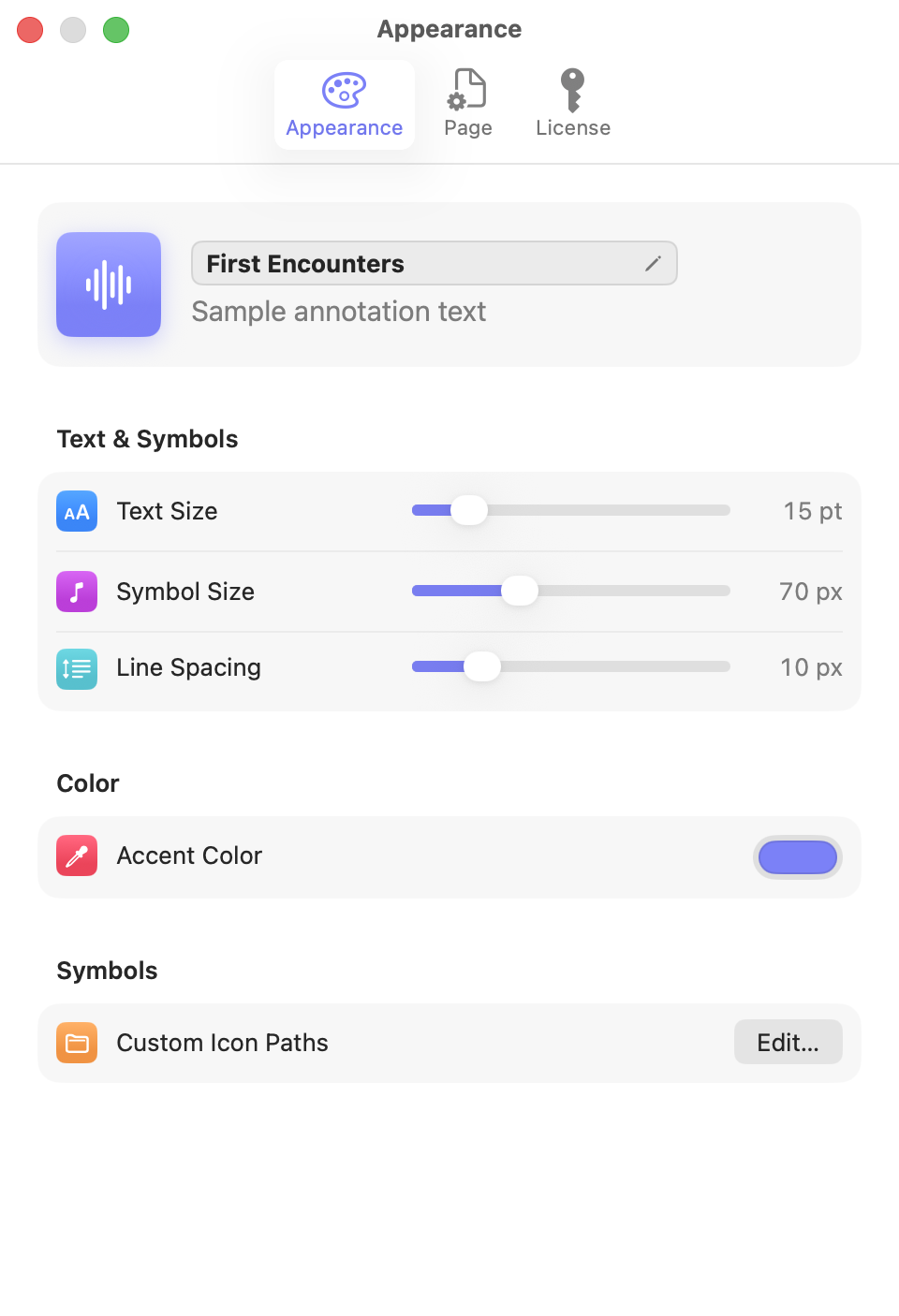
  • Pick an accent color and adjust text size, symbol size and line spacing
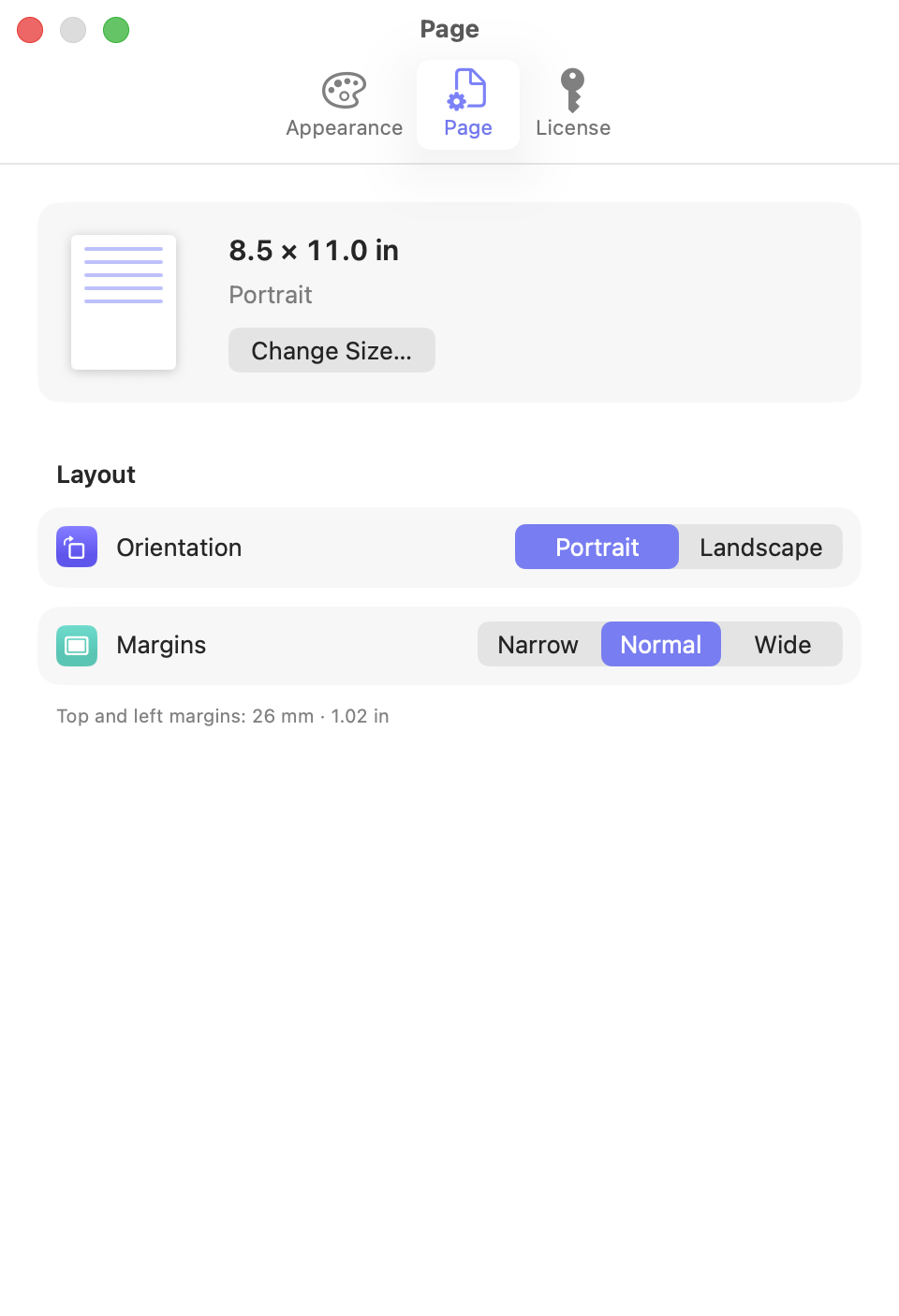
  • Letter, Legal, A4, A3, Tabloid or a custom page size, portrait or landscape

Print and export

Long scores continue onto new pages on their own. Print them, save them as PDFs, or send them from the share menu

  • Export multi-page scores as PDF with ⌘ E
  • Print directly with ⌘ P
  • Projects save as encrypted .ssx files

A few of the symbols

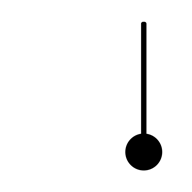
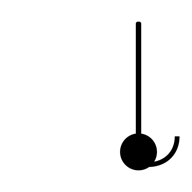
  • Tap
  • Tap-long
  • Tap-send
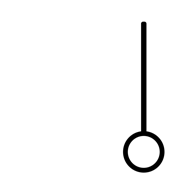
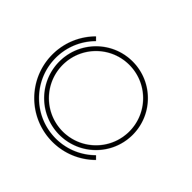
  • Drone
  • Re-drone
  • Pulse
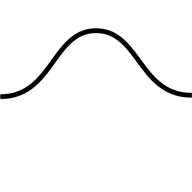
  • Wave
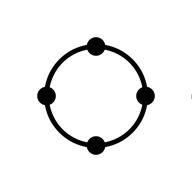
  • Bowl
  • Koshi chime
  • Defined pause
  • Rest & reflect
  • Dynamics

Get SonicScore Editor

The download is free. You'll need a license key to activate it